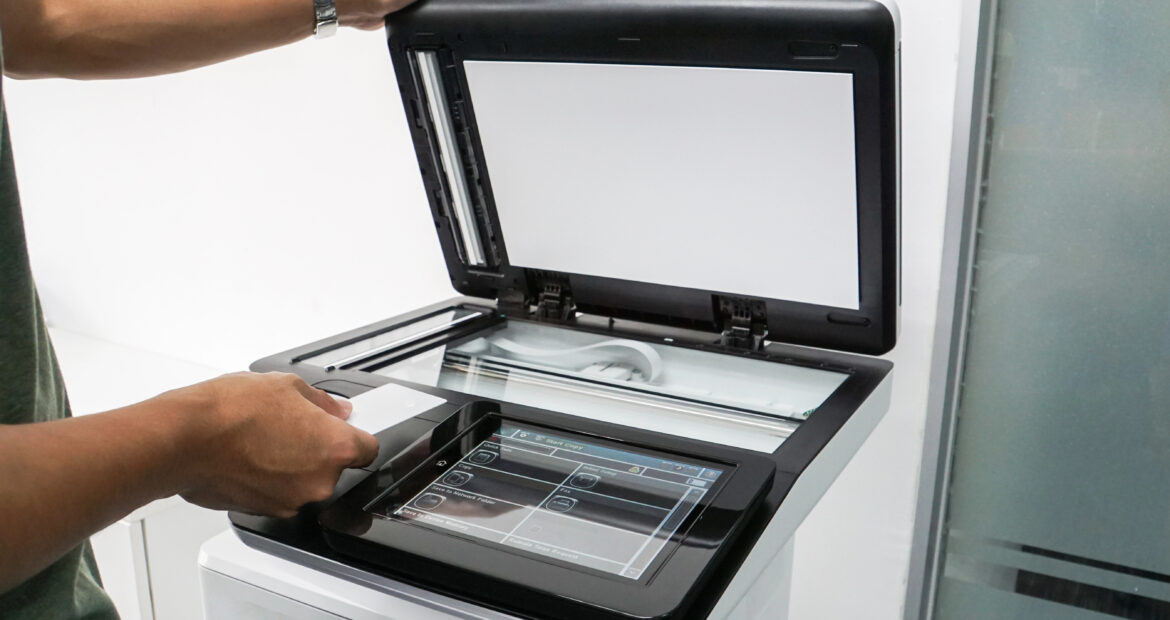
When businesses think about cybersecurity, they often focus on firewalls, phishing attacks, and endpoint security for computers and mobile devices. However, one often-overlooked vulnerability lies in the office’s most commonly used equipment: printers and copiers. These devices, which are now smart, networked, and cloud-connected, can become a major security risk if not properly managed.
Why Printers and Copiers Are a Security Risk
Modern printers and copiers are more than just standalone devices; they function as sophisticated network endpoints. They store data, communicate over the internet, and can be remotely accessed. If they are left unsecured, hackers can exploit them to infiltrate a company’s network. Here are some of the major risks:
1. Unsecured Network Connections
Most businesses connect their printers and copiers to their internal networks, enabling employees to print wirelessly and manage documents remotely. However, if these devices lack proper security configurations, cybercriminals can gain unauthorized access and use them as an entry point to the entire network.
2. Data Storage Vulnerabilities
Many modern multifunction printers (MFPs) have built-in hard drives that store copies of scanned, copied, and printed documents. If this data isn’t encrypted or properly wiped before decommissioning the device, sensitive business information could fall into the wrong hands.
3. Outdated Firmware and Software
Manufacturers regularly release firmware updates to patch security vulnerabilities. However, businesses often neglect to update their printers and copiers, leaving them exposed to known exploits that hackers can leverage to access networks.
4. Unauthorized Access and Default Credentials
Many office printers and copiers come with default administrator usernames and passwords, which employees may never change. Attackers can easily find these credentials online and use them to take control of a device, access print jobs, and launch further cyberattacks.
5. Print Job Interception
Without encryption, print jobs sent over the network can be intercepted, exposing confidential information such as contracts, financial records, or customer data. Hackers can exploit weak network protocols to capture these documents in transit.
6. Cloud Printing Risks
With the rise of remote work, businesses often use cloud-based printing solutions. If not properly secured, these services can be vulnerable to cyberattacks that expose print data or allow unauthorized access to cloud storage.
How Businesses Can Secure Their Printers and Copiers
 To mitigate these risks, businesses should take proactive steps to secure their office equipment. Here are key strategies:
1. Change Default Passwords and Restrict Access
Immediately update default administrator passwords on all printers and copiers. Use strong, unique passwords and enable user authentication to prevent unauthorized access.
2. Regularly Update Firmware and Software
Ensure that all devices run the latest firmware updates. Set up automatic updates where possible or schedule regular manual updates to address security vulnerabilities.
3. Encrypt Data and Secure Network Connections
Enable encryption for stored and transmitted data to prevent interception. Use secure protocols such as HTTPS, IPsec, or WPA3 for wireless connections.
4. Implement Secure Printing Features
Many MFPs offer “pull printing” or “secure print” options, requiring users to authenticate before retrieving documents. This prevents sensitive documents from sitting unattended in printer trays.
5. Monitor and Audit Device Activity
Use print management software to monitor printer usage, detect anomalies, and audit activity logs for signs of suspicious behavior. This can help identify potential security breaches early.
6. Decommission Devices Properly
When retiring old printers and copiers, ensure that their internal hard drives are wiped or destroyed to prevent data leaks. Follow manufacturer guidelines for secure disposal.
Final Thoughts
Printers and copiers are an essential part of daily business operations, but they can also be a hidden cybersecurity threat. Businesses must treat them like any other connected device and implement proper security measures. By doing so, they can protect sensitive data, prevent breaches, and maintain a strong cybersecurity posture.
Are you concerned about the security of your office printers and copiers? Contact our team of DEXperts to discuss your security needs or set up a consultation.