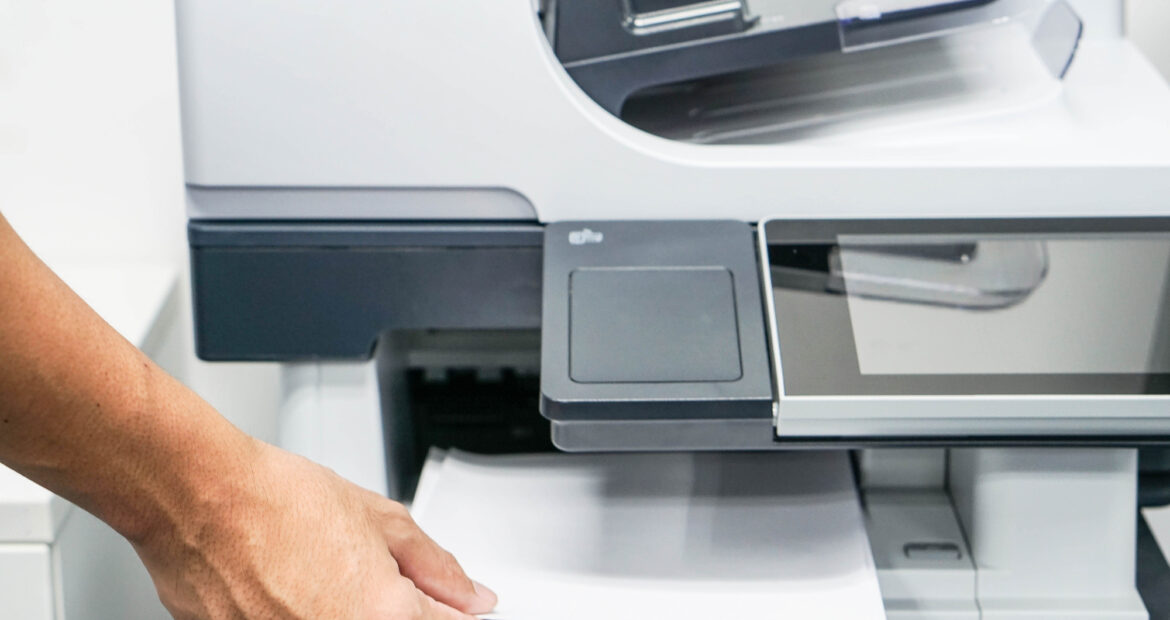
For many organizations, printers and copiers operate quietly in the background, until they don’t. When performance slips, downtime increases, or costs creep upward, your office technology stops being an asset and starts becoming an obstacle.
At DEX Imaging, we work with businesses across many industries to evaluate when it makes sense to maintain existing equipment and when it’s strategically smarter to upgrade. If you’re wondering whether it’s time to replace your printer or copier, here are the key factors to consider.
 1. Rising Repair Costs and Frequent Service Calls
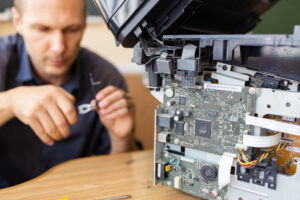
One of the most obvious signs it’s time to replace your device is an increase in service frequency. If your copier or printer requires repeated repairs, experiences persistent paper jams, or generates recurring error codes, it’s likely nearing the end of its lifecycle.
Ask yourself:
- Are service calls becoming more frequent?
- Are replacement parts harder to source?
- Is downtime affecting employee productivity?
At a certain point, investing in ongoing repairs costs more than upgrading to a new, warranty-backed system. Modern equipment significantly reduces unplanned downtime and delivers more consistent performance.
2. Total Cost of Ownership Is Increasing
Many businesses focus only on the upfront purchase price of equipment. However, the true cost of a printer or copier includes:
- Toner and consumables
- Maintenance and service contracts
- Energy consumption
- Employee downtime
- IT support hours
If your total cost of ownership (TCO) is climbing year over year, a newer device may actually reduce your monthly operating expenses. Today’s multifunction systems are more energy-efficient, toner-efficient, and service-efficient than models from even five years ago.
DEX Imaging conducts detailed cost analyses to determine whether an upgrade will deliver measurable savings.
3. Security Concerns and Compliance Risks
Modern printers and copiers are network-connected endpoints. Older devices often lack advanced security features such as:
- Secure print release
- User authentication
- Encrypted hard drives
- Firmware integrity monitoring
- Automatic security updates
If your current equipment cannot meet evolving cybersecurity standards or industry compliance requirements (especially in healthcare, legal, financial, or government environments), it may expose your organization to unnecessary risk.
New-generation devices integrate directly into your IT security framework, giving your IT team, or DEX Imaging’s managed services team, greater visibility and control.
4. Your Business Has Grown or Changed
Your equipment should align with how your organization operates today, not how it operated five years ago.
You may need an upgrade if:
- Print volumes have increased significantly
- You’ve added remote or hybrid employees
- You require advanced scanning and workflow automation
- You’ve expanded to multiple locations
- You need mobile printing capabilities
Today’s multifunction printers (MFPs) are designed to serve as workflow hubs, not just output devices. With advanced scanning, cloud integration, and automated document routing, modern systems help eliminate bottlenecks and accelerate business processes.
5. Slower Performance and Outdated Features
Older devices often struggle to keep up with today’s workplace demands. Signs of performance limitations include:
- Slow print speeds
- Limited paper capacity
- Lack of cloud connectivity
- Outdated user interfaces
- Incompatibility with modern operating systems
Newer devices offer intuitive touchscreen interfaces, faster processing speeds, larger paper capacities, and seamless integration with platforms like Microsoft 365, Google Workspace, and leading document management systems.
The result? Less frustration, faster workflows, and improved employee productivity.
6. Energy Inefficiency and Sustainability Goals
Sustainability is no longer optional. Many organizations are actively working to reduce their environmental footprint.
Older printers and copiers typically consume more energy and generate more waste. Modern ENERGY STAR® certified devices offer:
- Lower power consumption
- Improved toner efficiency
- Reduced warm-up times
- Automatic sleep modes
- Enhanced recycling programs
If sustainability is part of your corporate strategy, upgrading your equipment can support those initiatives while also lowering operational costs.
7. Your Manufacturer Has Discontinued Support
When a manufacturer announces end-of-life status for a device, it means firmware updates, parts availability, and security patches may no longer be guaranteed. Operating unsupported equipment introduces risk, not just in terms of reliability, but also cybersecurity and compliance.
DEX Imaging helps businesses proactively plan equipment refresh cycles so they are never caught off guard by discontinued support.
Upgrade Strategically, Not Reactively
Replacing your printer or copier shouldn’t be a reaction to a breakdown. It should be a strategic decision based on performance data, cost analysis, security posture, and business objectives.
At DEX Imaging, we evaluate your current fleet, analyze usage patterns, and identify opportunities to improve efficiency, reduce costs, and strengthen security. Our goal is not simply to sell equipment: it’s to design a print environment that supports your long-term growth.
If you’re unsure whether it’s time to replace your printer or copier, we can help you assess the numbers and make an informed decision.
Contact DEX Imaging today for a complimentary print assessment and discover whether your current equipment is still working for you or working against you.