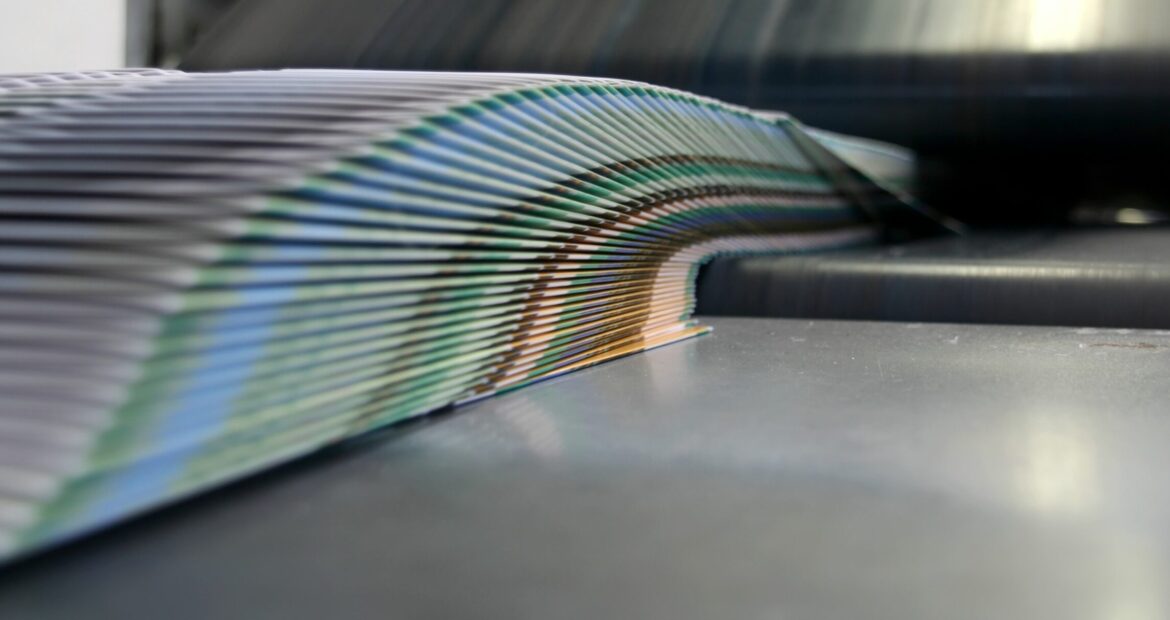
Putting your best foot forward with in-house printed materials can seem like a daunting task, especially when the pressures of efficiency and professionalism are considered. But business copiers and printers are more than just devices for churning out sheets of paper; they are powerful tools capable of producing high-quality finished documents, booklets, and publications. Among the most valuable accessories enhancing these capabilities are document folders and staplers. This is guide will show you how to optimize their use and make the most of their potential.
Understanding Document Folder and Stapler Accessories
Document Folders: These accessories automate the folding of printed sheets into desired formats, such as bi-fold, tri-fold, Z-fold, or gatefold. This functionality is crucial for producing brochures, letters, and various marketing materials efficiently.
Staplers: Integrated staplers in modern copiers and printers handle the binding of multiple pages together. This is essential for creating professional-looking booklets, reports, and other multi-page documents.
The Benefits of Using Document Folder and Stapler Accessories
- Time Savings: Automation of folding and stapling processes significantly reduces the time required to prepare finished documents, allowing employees to focus on more strategic tasks.
- Consistency: Automated accessories ensure uniformity and precision in every document, maintaining a professional appearance across all produced materials.
- Productivity Boost: By streamlining the production process, businesses can handle larger volumes of document preparation without compromising quality.
- Cost Efficiency: Reducing manual labor and errors associated with hand-folding and stapling can lower overall operational costs.
 Creating Professional Booklets and Publications
Producing high-quality booklets and other types of publications involves more than just printing pages. Here is a step-by-step guide to making the most of your document folder and stapler accessories:
- Plan Your Layout: Before printing, design your booklet in a layout that complements the folding and stapling process. Use software tools to create a mockup of your booklet, considering margins and spacing.
- Set Up Your Printer: Load the printer with the correct paper type and select the booklet printing option. Choose the appropriate fold type (e.g., bi-fold for booklets) and configure the stapler to bind at the spine.
- Print and Fold: Execute the print job, allowing the document folder to fold each sheet automatically. Ensure the printer settings match the layout planned in the design phase.
- Staple and Finalize: The stapler will bind the folded sheets together to create a professional booklet. Once stapled, review the finished product for any adjustments or touch-ups needed.
Optimizing the Use of Document Folder and Stapler Accessories
- Choose the Right Settings: Modern copiers and printers offer various folding and stapling options. Select the appropriate settings based on the document type. For example, use bi-fold for letters and tri-fold for brochures.
- Load Paper Correctly: Ensure the paper is loaded properly in the tray to avoid misfeeds and jams. Check the weight and type of paper being used, as some folds and staples work better with specific paper weights.
- Regular Maintenance: Keep your accessories in top condition through regular maintenance. Clean the folding mechanisms and check for worn-out parts in the stapler to prevent malfunctions and ensure consistent performance.
- Utilize Software Features: Many modern copiers and printers come with software that allows for job programming and customization. Take advantage of these features to set up recurring jobs, customize folds and staple patterns, and manage large print runs efficiently.
- Training and Best Practices: Ensure your team is well-trained in using these accessories. Provide them with best practices, such as checking paper orientation, selecting appropriate settings for different documents, and troubleshooting common issues.
In Summary
Document folder and stapler accessories are indispensable for modern business copiers and printers, elevating the standard of document production. By understanding their benefits and optimizing their use, businesses can enhance productivity, maintain professional consistency, and produce high-quality finished materials efficiently. Embrace these accessories to streamline your document preparation process and deliver impeccable results every time.