
on 2 June, 2023
7 Effective Ways to Save Power When Printing
Despite the proliferation of digital media, printing documents remains a necessity for many offices and individuals. However, the energy consumption associated with printing can have a significant impact on the environment and your energy bills. Fortunately, there are practical steps you can take to minimize power usage while still achieving your printing needs. In this
Despite the proliferation of digital media, printing documents remains a necessity for many offices and individuals. However, the energy consumption associated with printing can have a significant impact on the environment and your energy bills. Fortunately, there are practical steps you can take to minimize power usage while still achieving your printing needs. In this article we will explore seven effective ways to save power when printing, helping you reduce your carbon footprint and contribute to a more sustainable future.
1. Choose Energy-Efficient Copiers and Printers:
Invest in energy-efficient printers that have received the ENERGY STAR certification. These printers are designed to meet energy efficiency guidelines, consuming less power during operation. Look for printers with features like automatic duplexing and power-saving modes that allow the device to enter sleep mode when not in use.
2. Enable Power-Saving Features:
Most modern printers offer power-saving features that can be enabled in their settings. These features automatically reduce power consumption during idle periods. Utilize these settings to help save power without compromising on performance.
3. Print in Draft Mode:
When printing internal documents or drafts that don’t require high-quality output, switch to draft mode. This setting significantly reduces ink usage, which in turn reduces the energy required for printing. It’s an effective way to save power while conserving resources.
4. Optimize Print Settings:
Take advantage of print settings to further optimize power usage. Adjust the print quality to a lower setting, unless high-quality output is necessary. Additionally, consider using grayscale or black and white printing instead of color, as color printing typically requires more power.
5. Use Sleep Mode and Power Down:
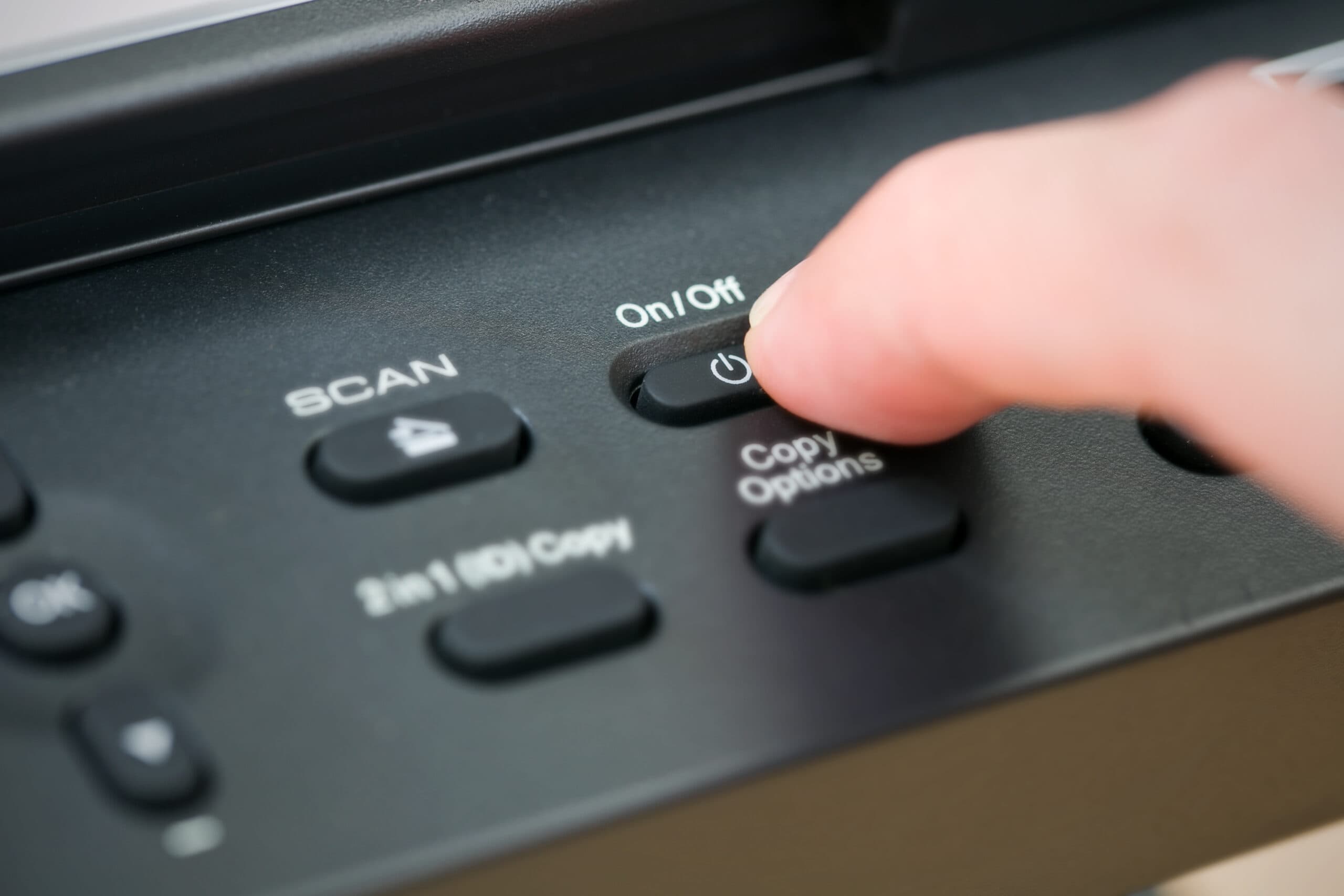
Encourage users to manually put printers into sleep mode or power them down when they will be inactive for an extended period. This practice helps save power and reduces unnecessary energy consumption.
6. Regular Maintenance:
Perform regular maintenance on your printers to ensure they operate efficiently. Cleaning the print heads and keeping the printer’s interior free from dust and debris can prevent printing issues that may result in additional energy consumption.
7. Minimize Printing:
The most effective way to save power when printing is to reduce the amount of printing altogether. Encourage digital communication and document sharing, as well as implementing paperless workflows such as DEXDOX™ whenever possible. By embracing digital alternatives, you can significantly reduce energy usage associated with printing.
With these seven practical tips, you can make a positive impact on both the environment and your energy costs when it comes to printing. By selecting energy-efficient printers, utilizing power-saving features, adjusting print settings, and practicing mindful printing habits, you can contribute to a more sustainable workplace. Remember, even small changes can add up to significant energy savings over time. DEX Imaging embraces these greener approaches to printing and stands ready to help you work towards a more environmentally responsible future.