
on 3 July, 2026
Any Employee Can Manage Our Office Printers: Why SMBs Need a Smarter Print Strategy
For many small and medium-sized businesses, printers and copiers are treated as basic office utilities. They are expected to work quietly in the background, producing documents when employees need them and requiring attention only when toner runs low or a paper jam occurs. That assumption often leads to one of the most common misconceptions in
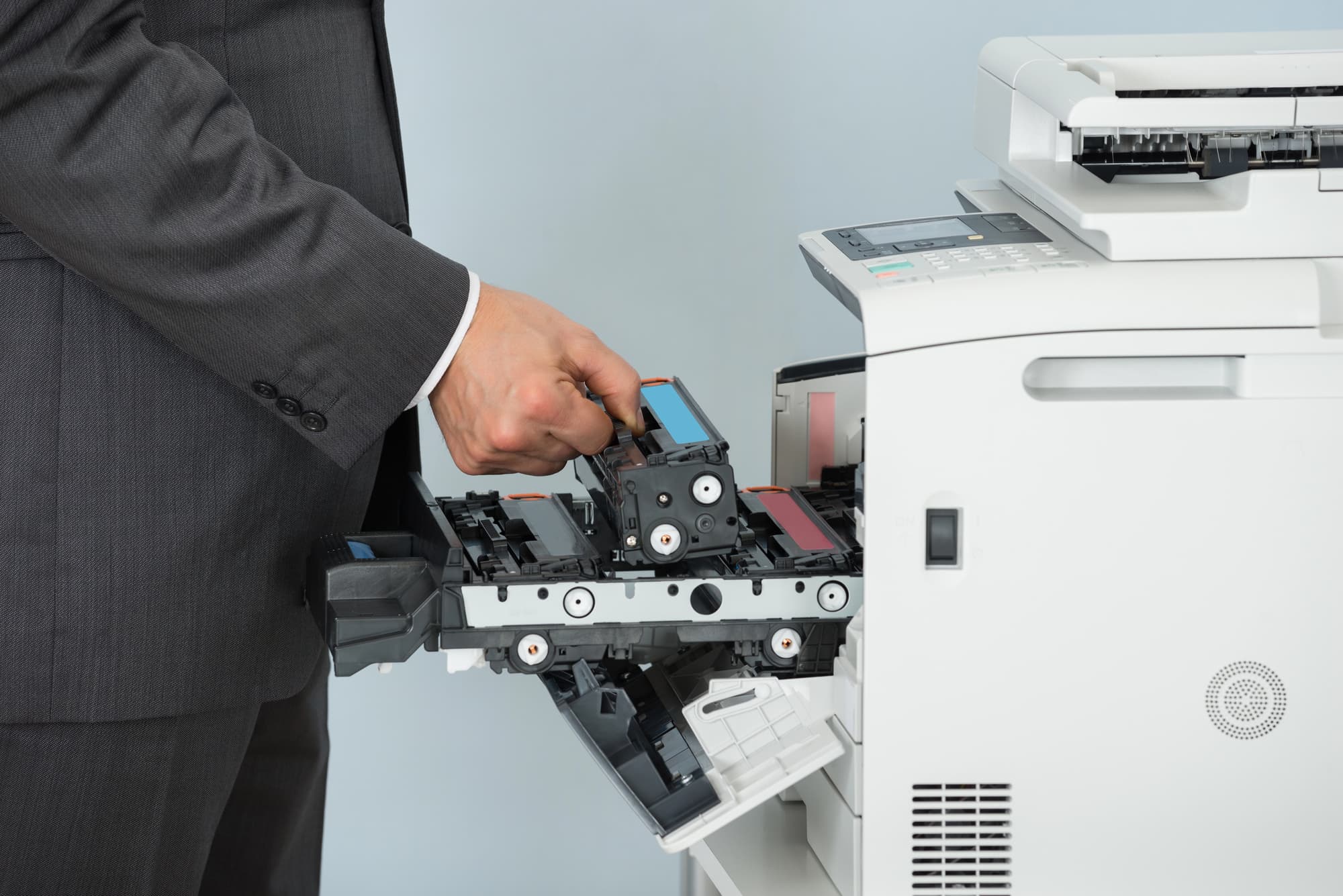
For many small and medium-sized businesses, printers and copiers are treated as basic office utilities. They are expected to work quietly in the background, producing documents when employees need them and requiring attention only when toner runs low or a paper jam occurs.
That assumption often leads to one of the most common misconceptions in business printing: that any employee can manage the office printers.
In reality, today’s print infrastructure is more complex than many organizations realize. Modern multifunction printers are network-connected business systems that require thoughtful configuration, ongoing monitoring, security management, supply coordination, and lifecycle planning. When these responsibilities are handled informally or inconsistently, businesses often experience higher costs, greater downtime, unnecessary IT burden, and reduced productivity.
A smarter print strategy begins with recognizing that printers are not isolated office machines. They are part of the broader technology environment and should be managed with the same level of attention as other critical business systems.
In many SMBs, print management happens reactively. Someone notices the toner is low, so supplies are ordered. A device stops working, so an employee submits a help request. A department needs more capacity, so another desktop printer is purchased and added to the network.
Over time, this informal approach can create a fragmented print environment. Different departments may use different printer brands, supply types, drivers, and service processes. Some devices may be overused while others sit idle. Employees may not know which machine is most efficient for a particular job, and IT teams may struggle to maintain visibility across the fleet.
What begins as a series of small, practical decisions can eventually become a costly and inefficient infrastructure problem.
One of the most common outcomes of unmanaged printing is device sprawl. This happens when businesses gradually accumulate more printers than they actually need, often because individual departments or employees request dedicated devices for convenience.
While this may seem harmless, too many printers can increase costs in several ways. Each device may require its own toner, maintenance, drivers, network configuration, and support process. Smaller desktop printers often have a higher cost per page than larger business-class multifunction systems, especially when they are used for regular office volume.
A scattered fleet can also make it harder to control color printing, monitor usage, manage supplies, and apply consistent security policies. Instead of simplifying work, device sprawl often creates more work for administrators, employees, and IT staff.
Ordering toner may seem simple, but poor supplies management is a major source of waste for many businesses.
Organizations without a centralized process often over-order certain cartridges while running out of others at the worst possible time. Supplies may be stored in multiple locations, assigned to devices that are no longer in service, or purchased at inconsistent prices from different vendors.
The result is both financial waste and operational disruption. Employees may lose time searching for the right toner, waiting for emergency orders, or trying to keep a device running when supplies are unavailable.
With a managed approach, toner usage can be monitored more accurately, replenishment can be automated, and unnecessary inventory can be reduced. This creates a more predictable experience for employees while helping businesses control supply costs.
In many SMBs, printer issues fall directly to the internal IT team. While IT professionals are capable problem-solvers, printer support is often not the best use of their time.
IT teams are already responsible for cybersecurity, cloud applications, user support, networking, software updates, data protection, and business continuity. When they are repeatedly pulled into driver issues, print queues, scanning errors, firmware questions, or toner problems, higher-priority technology initiatives can be delayed.
This does not mean printers should be disconnected from IT strategy. In fact, because printers are network-connected devices, IT involvement is important. However, the day-to-day burden of fleet monitoring, maintenance coordination, supplies fulfillment, and service support can often be handled more efficiently through professional print management.
That allows internal IT teams to remain focused on strategic work while still maintaining a secure and reliable print environment.
A well-managed print environment creates consistency. Employees know which devices to use, how to access key features, and what to expect when printing, scanning, copying, or sending documents to cloud systems.
Standardization can include common print drivers, consistent user authentication, shared device settings, unified address books, standardized scanning workflows, and predictable service procedures. These details may seem small, but they can significantly improve daily productivity.
When employees move between departments, locations, or shared workspaces, a consistent print experience reduces confusion and training needs. It also makes troubleshooting easier because devices are configured according to a common plan rather than a patchwork of individual preferences.
Without print analytics, many organizations have little understanding of how their equipment is actually being used.
They may not know which departments print the most, which devices are underutilized, how much color printing is occurring, where bottlenecks exist, or which machines are approaching the end of their useful life. This lack of visibility makes it difficult to control costs or plan effectively.
A structured print assessment can reveal usage patterns, monthly volumes, supply consumption, service history, and opportunities for consolidation. With this information, businesses can make informed decisions about device placement, fleet size, security settings, workflow improvements, and future technology investments.
Managing printers is not only about convenience and cost control. It is also about security.
Modern multifunction printers handle sensitive information, connect to business networks, and often support email, cloud, scanning, and authentication features. If devices are not properly configured and maintained, they can create unnecessary risk.
A managed print strategy can help ensure firmware is updated, default passwords are changed, access controls are applied, stored data is protected, and secure print features are implemented where appropriate. For businesses in regulated industries, this level of oversight can also support compliance requirements and internal governance policies.
The misconception that any employee can manage office printers often comes from viewing print as a simple administrative task. In today’s workplace, that view is outdated.
Printers and copiers are part of the technology ecosystem. They influence productivity, cost control, security, document workflows, and employee satisfaction. When they are managed casually, problems tend to accumulate. When they are managed strategically, they can become a more reliable and efficient part of daily operations.
At DEX Imaging, we help businesses move from reactive printer support to proactive print management. Through fleet assessments, device optimization, automated supplies replenishment, service support, and ongoing monitoring, organizations can reduce unnecessary complexity while improving performance across the workplace.
A smarter print strategy does not require more effort from your team. It requires the right partner, the right technology, and a clear understanding of how your print environment supports the way your business works.