
on 4 November, 2026
California Privacy Law and Your Copier's Hard Drive: A Business Guide
Copiers keep images of what they scan, print and fax. California law requires reasonable security for that data and unreadable disposal when the copier leaves, with breach notice and lawsuit exposure if it goes wrong.
If the copiers and MFPs in your California office store scans, prints or faxes that contain personal information, state law treats that data like any other business record: you must protect it with reasonable security while the machine is in use and make it unreadable before the machine leaves your control. The core rules are California Civil Code sections 1798.81 (disposal), 1798.81.5 (reasonable security) and 1798.82 (breach notification), plus the California Consumer Privacy Act's private right of action for breaches caused by a failure to maintain reasonable security. Drive encryption, scheduled overwrites, access controls and a documented wipe at lease return address all of them.
This is general information, not legal advice, so ask your counsel how these rules apply to your business.
Why does a copier's hard drive matter?
The Federal Trade Commission's guide on copier data security puts it plainly: today's networked copiers are computers that copy, print, scan, fax and email, and the hard drive stores data about the documents they handle. If you do not protect that data, it can be stolen by remote access or by pulling the drive. Copiers are also often leased, returned, and then leased again or sold, so the drive can travel well beyond your office.
Depending on the office, that drive can hold images of driver's licenses, tax forms, signed applications, medical intake forms and account statements, which include many of the data elements California's security and breach laws list by name. The FTC also notes that deleting files or reformatting a drive does not remove the data, and that documents saved to the copier's own storage for reprinting are not cleared by its routine overwrite.
What California law requires
Civil Code 1798.81: disposing of customer records
A business must take all reasonable steps to dispose of customer records containing personal information, when it no longer keeps them, by shredding, erasing or otherwise modifying the information so it is unreadable or undecipherable through any means. "Records" means any material on which information is recorded, regardless of physical form, and "customers" are people who give you personal information to buy, lease or obtain a product or service. Personal information is defined broadly here, from names and signatures to account numbers and medical information.
When a copier goes back at lease end, any customer records still on its drive go with it. That is why the disposal step belongs in your lease-return process, not only in your shredding policy.
Civil Code 1798.81.5: reasonable security
A business that owns, licenses or maintains personal information about a California resident must implement and maintain reasonable security procedures and practices appropriate to the nature of the information, to protect it from unauthorized access, destruction, use, modification or disclosure. If you disclose that information to a nonaffiliated third party under a contract, the contract must require the third party to do the same.
This section uses a narrower definition of personal information: a name combined with a Social Security number, driver's license or other government ID number, a financial account or card number with its access code, medical or health insurance information, or biometric or genetic data, plus online login credentials. The statute does not list specific controls. HIPAA covered entities, providers under California's Confidentiality of Medical Information Act and certain financial institutions are exempt from this section because other laws govern them.
Civil Code 1798.82: breach notification
A business that owns or licenses computerized personal information must notify California residents whose unencrypted personal information was, or is reasonably believed to have been, acquired by an unauthorized person. Encrypted information triggers notice only if the encryption key or credential was also acquired and could make the data readable. Since January 1, 2026, notice is due within 30 calendar days of discovery, with limited room for law enforcement needs and for determining the scope of the breach. If more than 500 residents are notified, a sample copy goes to the Attorney General within 15 calendar days of notifying them. An unencrypted copier drive that leaves with readable scans can become exactly this kind of event.
The CCPA and its private right of action
The CCPA, as amended by Proposition 24 (the California Privacy Rights Act of 2020), applies to for-profit businesses that do business in California and meet one threshold: annual gross revenue over $26,625,000 in the preceding year (the original $25 million as adjusted for inflation in January 2025; the next adjustment is due in January 2027); annually buying, selling or sharing the personal information of 100,000 or more consumers or households; or earning half or more of revenue from selling or sharing personal information. It requires those businesses to keep reasonable security under section 1798.81.5.
Under section 1798.150, a consumer whose nonencrypted and nonredacted personal information (as section 1798.81.5 defines it, or an email address with its password) is stolen, disclosed, or accessed and exfiltrated because the business failed to maintain reasonable security can sue. Statutory damages are $107 to $799 per consumer per incident, or actual damages if greater. Those figures are the January 2025 inflation adjustment of the original $100 to $750, and the statute calls for adjustments every odd-numbered year. Before suing for statutory damages, a consumer must give 30 days' written notice, and adding security after a breach does not count as a cure.
New rules on cybersecurity audits and risk assessments
The California Privacy Protection Agency (now known as CalPrivacy) finalized regulations in September 2025 that took effect January 1, 2026. Two parts are worth knowing:
- Cybersecurity audits. A CCPA business must complete an annual independent audit if it earns half or more of its revenue from selling or sharing personal information, or if it exceeds the revenue threshold and, in the prior year, processed the personal information of 250,000 or more consumers or households or the sensitive personal information of 50,000 or more consumers. First audit reports are due April 1, 2028, 2029 or 2030, depending on whether revenue is over $100 million, $50 million to $100 million, or under $50 million. Audit components include encryption at rest and in transit, hardware inventories, secure configuration and patching, audit logs, limits on ports and services, and proper disposal of personal information, each of which can apply to a networked copier.
- Risk assessments. Businesses must assess processing that presents significant privacy risk, such as selling or sharing personal information or processing sensitive personal information, before they start. Processing already under way must be assessed by December 31, 2027, and information about 2026 and 2027 assessments is due to the agency by April 1, 2028.
What to do with copiers in California offices
Encrypt the drive and overwrite on a schedule
Most manufacturers offer encryption and overwriting, either standard or as add-on kits. Encryption keeps data unreadable even if the drive is removed, which matters under section 1798.82, and section 1798.150 applies only to nonencrypted data. Overwriting replaces stored data, while deleting or reformatting does not. The FTC recommends overwriting the entire drive at least once a month. Clear saved documents from on-board storage boxes as well, since routine overwrites skip them.
Control who can use and manage the copier
- Include copiers in your information security policy and have IT manage them like computers.
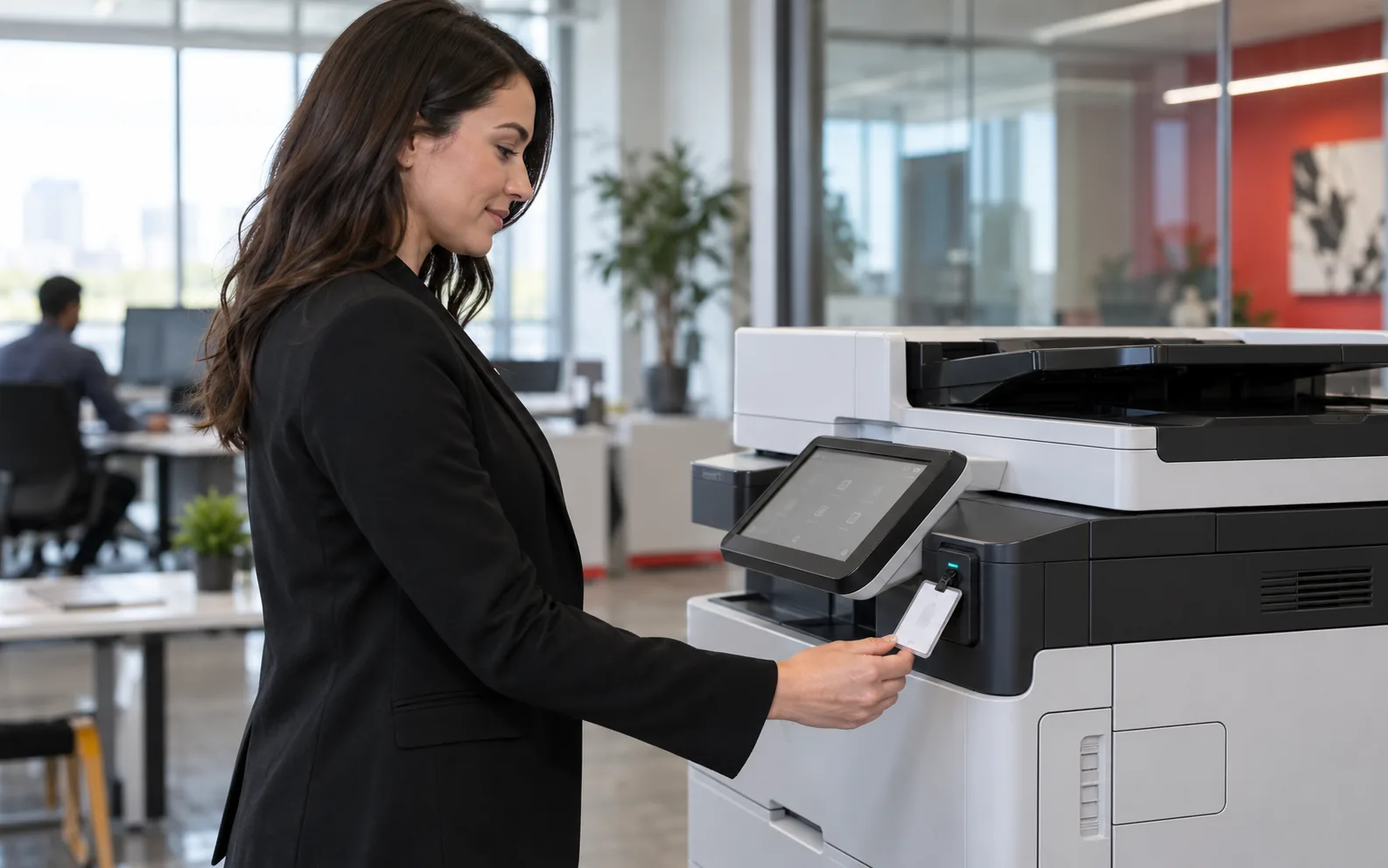
- Require authentication at the copier: a password, card or biometric sign-in.
- Use pull printing (secure release), so documents print only when the user is present.
- Change the default network password and secure every network connection, including Wi-Fi.
- Use print rules and audit trails to limit access and trace activity.
Plan disposal and lease return before you sign
The FTC advises checking that your lease or purchase agreement says your company keeps the hard drives at end of life or that the provider will overwrite them. Avoid pulling a drive yourself: copier drives often hold firmware the machine needs, some models have more than one drive, and a disabled machine can create problems on a lease return. Work with skilled technicians, and keep a record of what was done to each machine, including serial number, date and method.
Put security in the vendor contract
Section 1798.81.5 requires a contract with reasonable-security terms when you disclose personal information to a nonaffiliated third party, and the CCPA requires specific contract terms with service providers and contractors. Ask counsel whether those provisions reach your copier dealer or service company. Either way, put technician access, drive handling and end-of-lease sanitization in writing.
How DEX's California offices help
DEX Imaging serves California from six offices: Santa Clarita, Los Angeles, Orange County, the Inland Empire, Fresno and Bakersfield. Local DEXperts can enable drive encryption and secure overwrite, set up user authentication and secure release printing, and keep firmware patched. When a machine is returned at lease end, your DEX rep will ask whether you want its hard drive wiped, and DEX will wipe it for you if you do. Start with the DEX California page, read about print security, or request a quote.
Frequently asked questions
Does the CCPA apply to a small California office?
Only if the business meets a CCPA threshold: revenue over $26,625,000 (the 2025-2026 figure), buying, selling or sharing the personal information of 100,000 or more consumers or households, or earning half of revenue from selling or sharing it. Sections 1798.81, 1798.81.5 and 1798.82 are separate provisions that apply regardless of those thresholds, although section 1798.81.5 has exemptions of its own.
Is deleting files or reformatting the drive enough before a copier goes back?
Not on its own. The FTC notes that deleting or reformatting leaves data recoverable. Use the copier's overwrite feature on an encrypted drive, or have a skilled technician overwrite or remove the drive, and keep a record.
If a copier with an encrypted drive goes missing, do we have to notify anyone?
Under section 1798.82, encrypted information triggers notice only if the key or credential was also acquired, or is reasonably believed to have been, and could make the data readable. Unencrypted data gets no such cushion, so confirm which of your drives are actually encrypted.
What can a consumer recover under section 1798.150?
Statutory damages of $107 to $799 (the 2025-2026 figures) per consumer per incident or actual damages, whichever is greater, plus injunctive or declaratory relief. Statutory damages require 30 days' written notice first.