
on 10 May, 2024
How to Maximize Toner and Ink Efficiency in Office Printers and Copiers
Printers and copiers are essential tools in any office environment, and with extended use the cost of toner and ink can add up quickly. Maximizing the efficiency of these resources not only saves money but also reduces downtime and supports sustainability efforts. These are some proven techniques and tips to help you maximize your office
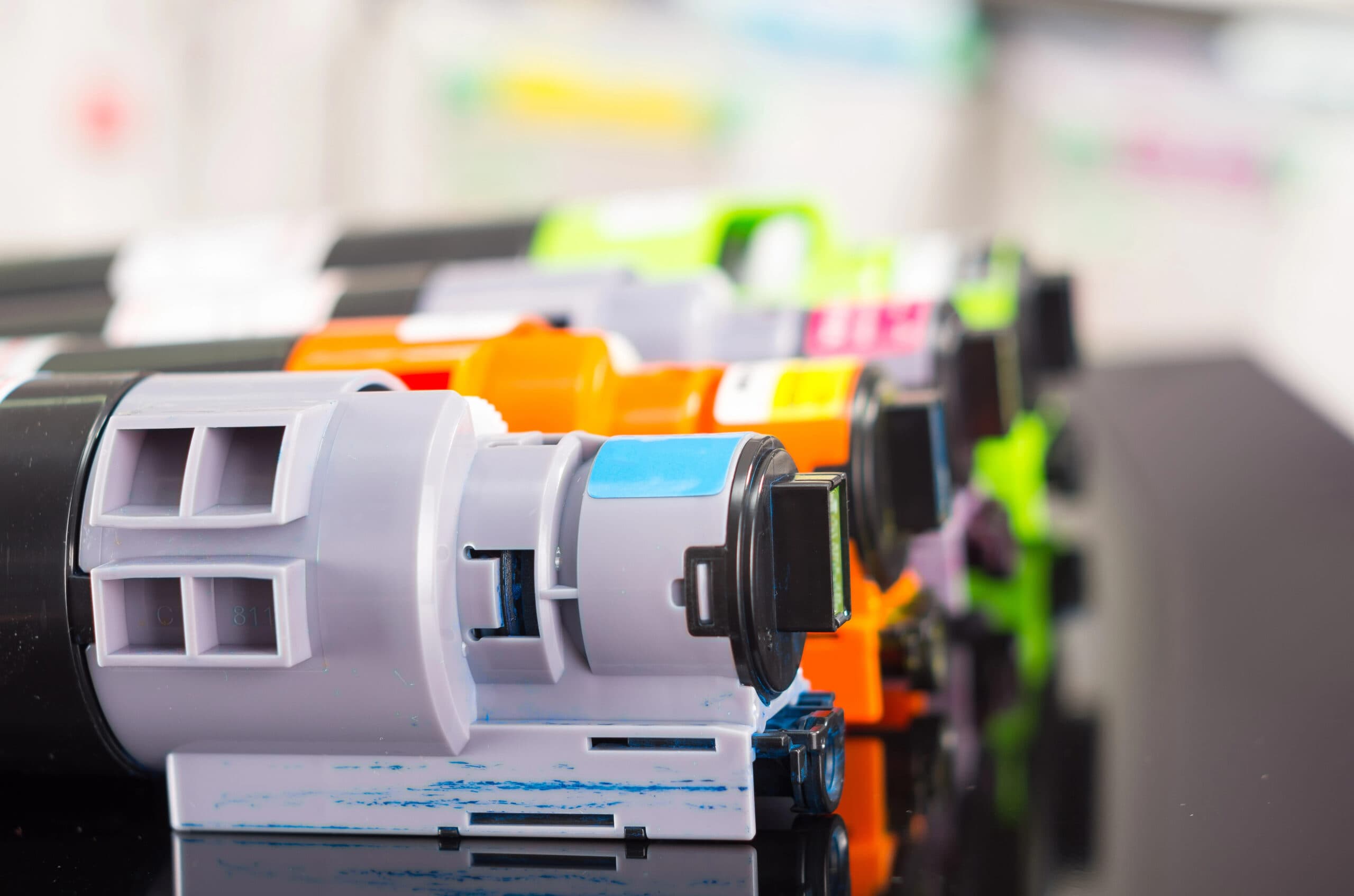
Printers and copiers are essential tools in any office environment, and with extended use the cost of toner and ink can add up quickly. Maximizing the efficiency of these resources not only saves money but also reduces downtime and supports sustainability efforts. These are some proven techniques and tips to help you maximize your office equipment’s consumables.
One of the simplest yet most effective ways to save ink and toner is to adjust your printer settings. Here are a few settings you can tweak:
Set your printer to print in ‘draft’ or ‘economy’ mode for internal documents. This mode uses less ink or toner and is usually sufficient for day-to-day use.Double-Sided PrintingEnable automatic double-sided (duplex) printing to halve the amount of paper you use, which can also have the effect of reducing the frequency of ink or toner replacements.Grayscale PrintingDefault your printer settings to grayscale to save on color ink, unless color is specifically required for a document.Use Efficient FontsThe type of font you use can also impact how much ink or toner you consume. Fonts like Times New Roman, Arial, and Calibri tend to use less ink than heavier fonts. There are also fonts designed specifically to use less ink, such as Ecofont, which has tiny holes within the letters but remains readable.Regular MaintenanceKeep your printers and copiers in good working condition with regular maintenance. This includes:
Clean the print heads periodically to prevent clogging and ensure efficient use of ink or toner.Properly ConfiguredEnsure that printers are correctly configured and calibrated to avoid unnecessary ink or toner use.Smart Document FormattingModify the layout of your documents to use less ink:
Set smaller margins to fit more text on each page and avoid repeated printing of headers and footers.Use Smaller Font SizesWhere appropriate, reduce the font size to decrease the amount of ink used.Avoid Unnecessary GraphicsIf graphics or images aren’t essential, consider removing them to save ink.Invest in High-Yield CartridgesWhile high-yield cartridges might cost more upfront, they usually print more pages than standard cartridges, offering a lower cost per page. This can be a cost-effective option for offices with high print volumes.Monitor and Manage Print UsageImplement software solutions that track and manage print jobs:
Use software from DEX Imaging to audit and manage print usage in the office, identifying areas where savings can be made.Set Printing QuotasConsider setting up printing quotas to prevent excessive printing and encourage employees to think before they print.Educate Your TeamEducate employees about the cost of ink and toner and the environmental impact of unnecessary printing. Encourage a culture of printing responsibly by:
Encourage the use of digital documents over printed ones where feasible.Training SessionsHold brief training sessions or send out guidelines on how to use office printers and copiers efficiently.By implementing these strategies, businesses can significantly reduce their printing costs while also contributing to environmental conservation. Remember, small changes can lead to substantial savings when applied consistently and across the entire office.