
on 3 May, 2024
Mastering Copier Efficiency: Understanding The Optimal Way To Use Your Paper Trays
From bustling business settings to your busy home office, the humble paper tray plays a critical role in the optimal operation of your printer or copier. Proper usage and maintenance of paper trays can drastically improve your machine's efficiency and longevity, while also ensuring the quality of your printed documents. Here are some expert tips
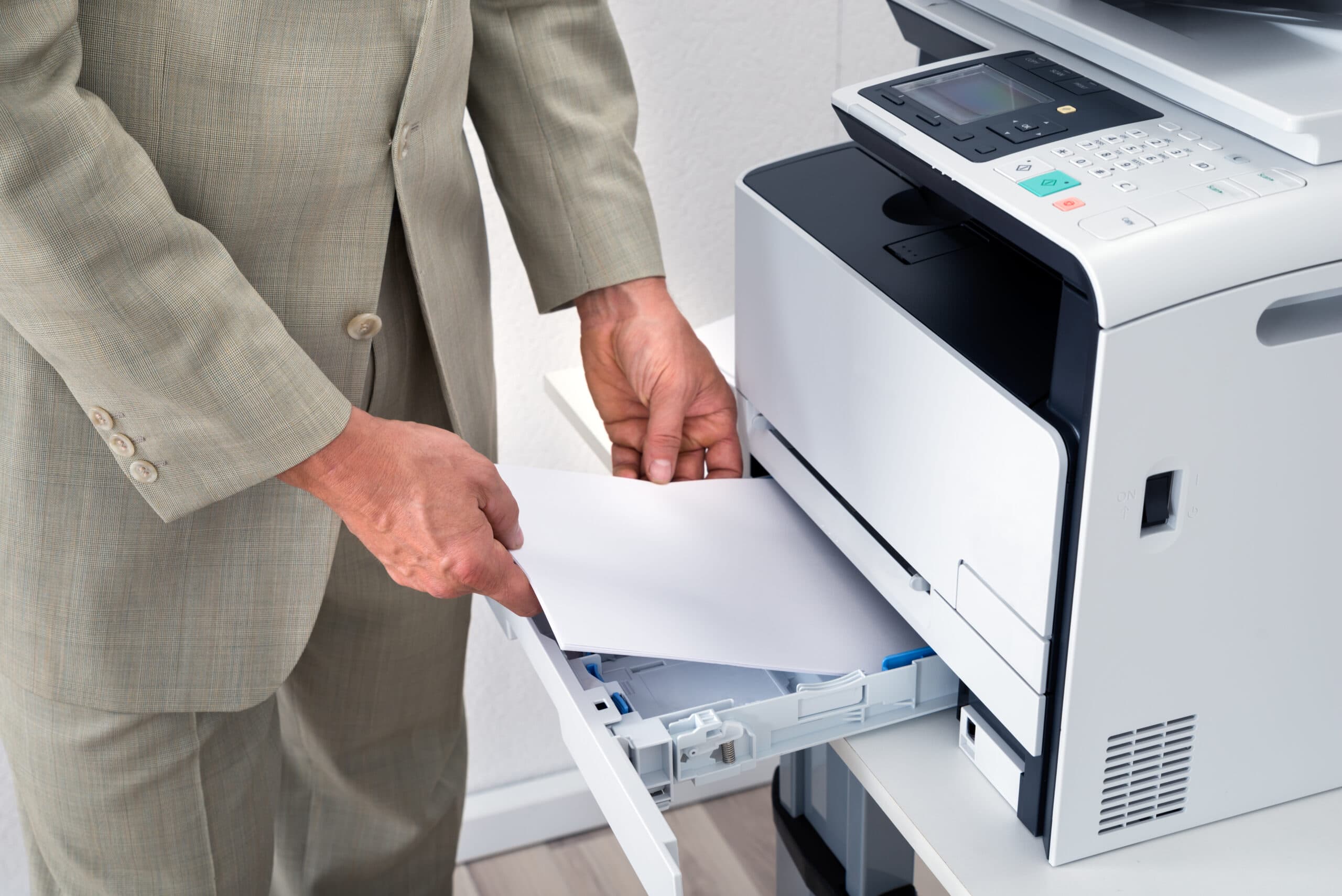
From bustling business settings to your busy home office, the humble paper tray plays a critical role in the optimal operation of your printer or copier. Proper usage and maintenance of paper trays can drastically improve your machine’s efficiency and longevity, while also ensuring the quality of your printed documents. Here are some expert tips on how to best use paper trays in your copier or printer, including paper loading tips, maintenance advice, and strategies for making the most of multiple trays.
Most modern printers and copiers are equipped with multiple paper trays, each designed for different paper types or sizes. Typically, Tray 1 is used for standard letter-size paper, while additional trays might be used for legal, A4 sizes, or specialty papers like cardstock or glossy photo paper.
Proper paper loading is vital to prevent jams and ensure consistent print quality.
Regular maintenance of your paper trays can extend the life of your printer or copier.
If your printer has multiple trays, you can enhance your printing efficiency by assigning specific paper types or sizes to each tray.
Even with the best maintenance, you might encounter issues with your paper trays. Here are quick fixes for common problems:
Efficient use of paper trays not only optimizes your printer’s functionality but also enhances your overall printing experience. By understanding how to properly load and maintain your trays, utilizing the capabilities of multiple trays, and knowing how to quickly address common issues, you can ensure your printer or copier operates smoothly and continues to serve your printing needs effectively.