
on 9 August, 2024
Mastering Wireless Printing: A Comprehensive Guide for Apple and Android Devices
The ability to print documents wirelessly from your mobile device can save you time and enhance productivity. Whether you're using an Apple or Android device, wireless printing can dramatically streamline your workflow. Here’s a comprehensive guide on how to set up and use wireless printing for both platforms. Printing Wirelessly from an Apple Device Apple
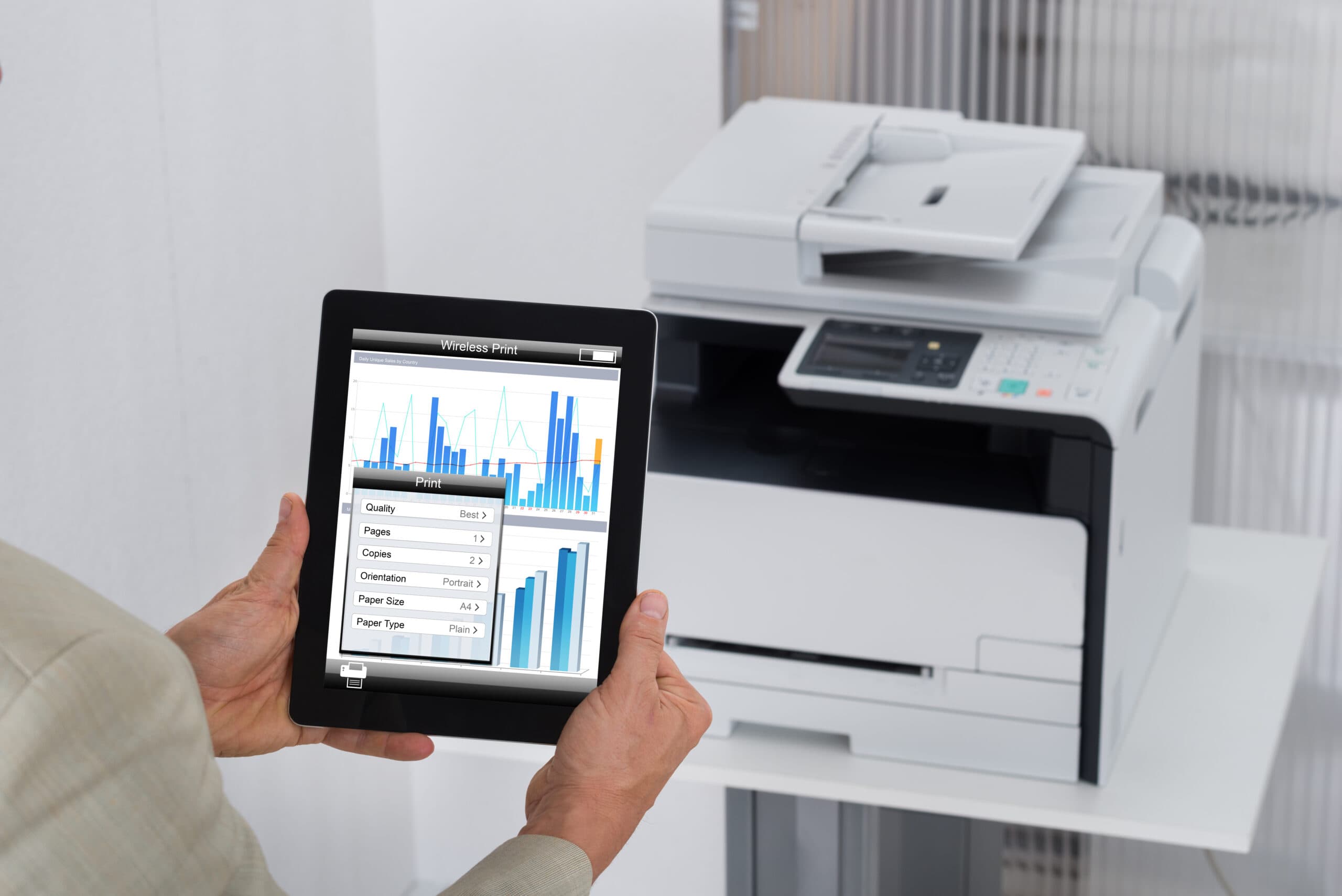
The ability to print documents wirelessly from your mobile device can save you time and enhance productivity. Whether you’re using an Apple or Android device, wireless printing can dramatically streamline your workflow. Here’s a comprehensive guide on how to set up and use wireless printing for both platforms.
Apple devices come with built-in support for wireless printing via AirPrint. This feature makes it incredibly simple to print from your iPhone, iPad, or Mac without the need for additional software or drivers.
And that’s it! Your document will be sent to the printer wirelessly.
Android devices use a feature called “Google Cloud Print” for wireless printing. Although Google Cloud Print was discontinued in December 2020, many manufacturers have developed their own solutions, and Android has built-in printing support that works with a variety of third-party printing apps.
Wireless printing from your Apple or Android device can streamline your workflow and eliminate the need for cumbersome cables and setup. By following the steps outlined above, you can quickly set up and start printing from your mobile devices with ease. Should you encounter any issues, contact our DEXperts below and we will help you resolve them swiftly.