
on 26 July, 2024
Optimizing Business Communications with the Scan to Email Feature on Printers and Copiers
Prioritizing efficiency and streamlining communication are crucial goals in today's technology-driven business climate. One often-overlooked feature that can significantly enhance productivity is the scan to email functionality found on modern printers and copiers. This article will delve into what the scan to email feature is, how it can be used to streamline business communications and
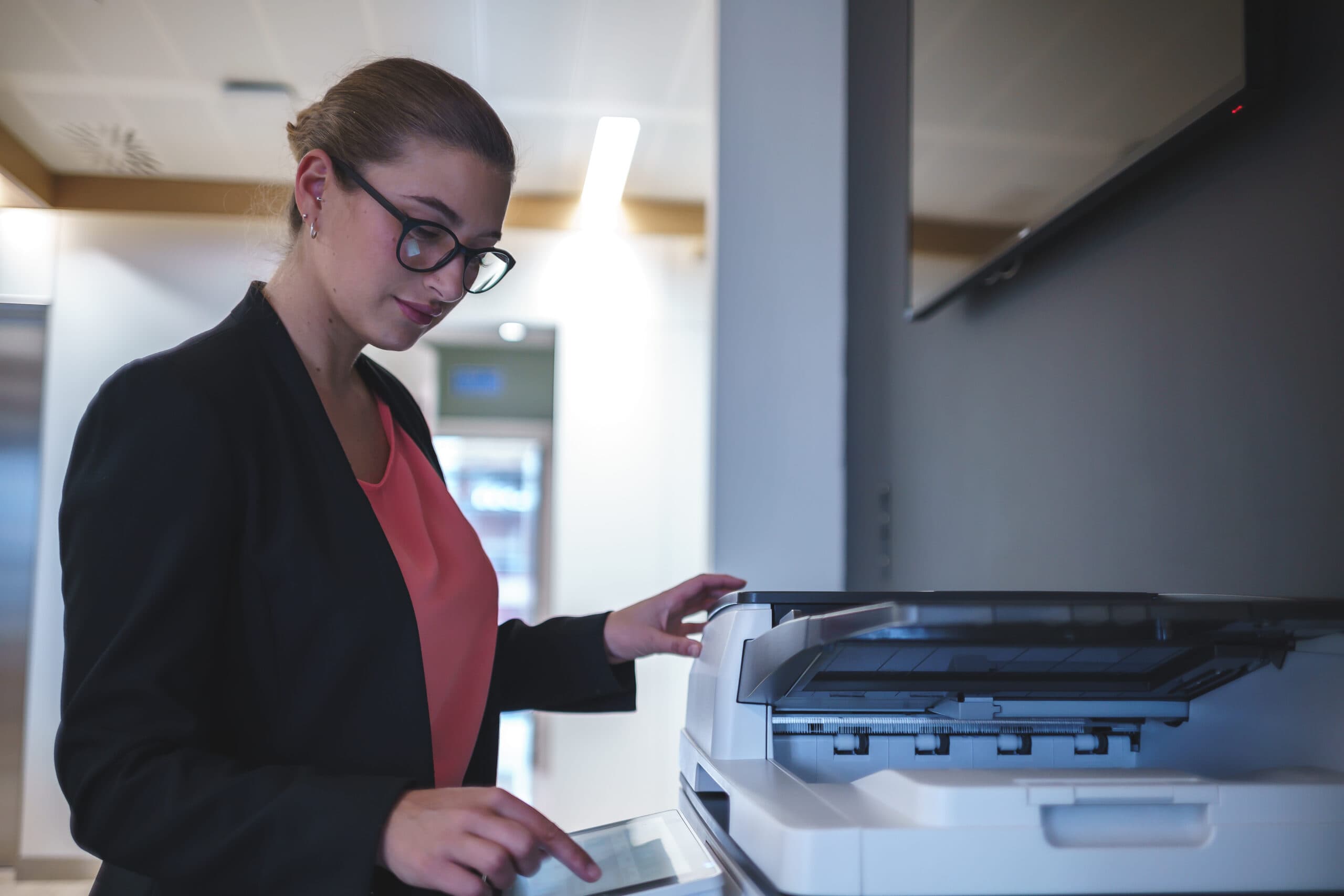
Prioritizing efficiency and streamlining communication are crucial goals in today’s technology-driven business climate. One often-overlooked feature that can significantly enhance productivity is the scan to email functionality found on modern printers and copiers. This article will delve into what the scan to email feature is, how it can be used to streamline business communications and processes, and will offer some tips and tricks for maximizing its utility.
The scan to email feature allows users to scan a physical document and send it directly to an email address from the printer or copier itself. This eliminates the need for intermediate steps such as scanning to a computer and then attaching the file to an email. Instead, the entire process is handled directly from the multifunction device.
The scan to email feature on printers and copiers is a powerful tool for enhancing business communications and streamlining processes. By understanding its benefits and implementing a few best practices, businesses can significantly improve their efficiency, collaboration, and document management. Adopting these strategies and tips, you can ensure that your business makes the most of its potential, paving the way to a more efficient, paperless, and collaborative work environment.
If you have any questions or need further assistance with setting up and optimizing Scan To Email, our team of DEXperts stands ready to help you implement it in your business and realize its key advantages and optimizations.