
on 1 August, 2025
Optimizing Office Efficiency: Best Practices for Printer and Copier Placement
In the modern office, where time is money and productivity is paramount, the placement of essential devices like printers and copiers often goes overlooked. Yet poor positioning can result in bottlenecks, workflow disruptions, and even increased security risks. Whether you're designing a new office layout or rethinking your current setup, strategically positioning your printing equipment
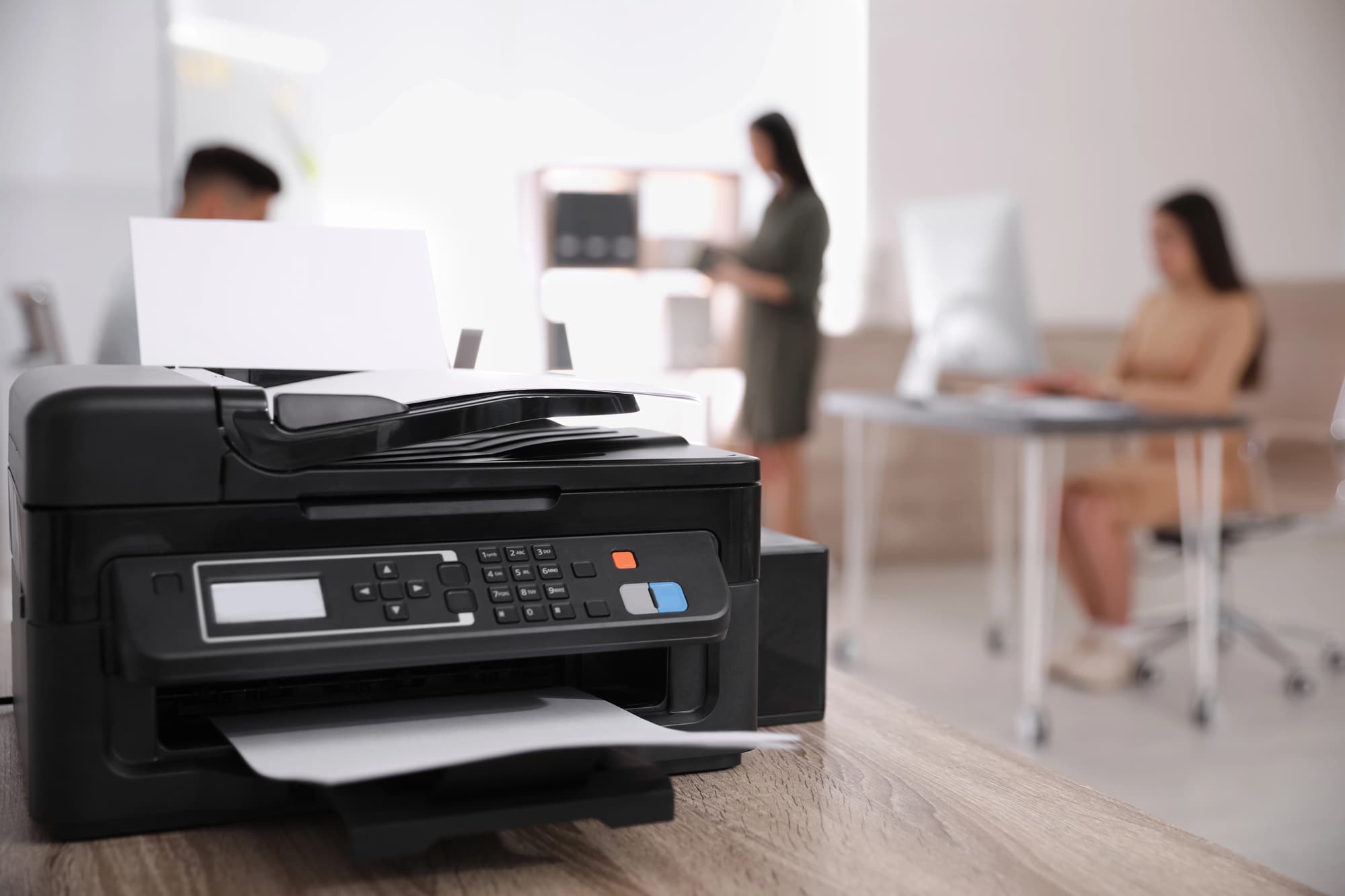
In the modern office, where time is money and productivity is paramount, the placement of essential devices like printers and copiers often goes overlooked. Yet poor positioning can result in bottlenecks, workflow disruptions, and even increased security risks. Whether you’re designing a new office layout or rethinking your current setup, strategically positioning your printing equipment can make a measurable difference.
Below, we explore the key considerations to help businesses make informed decisions about where to place printers and copiers to support productivity, security, and operational flow.
Printers and copiers should be located near the departments or teams that use them most. For example:
Minimizing walking distance helps reduce downtime and keeps employees focused on their tasks.
A single high-traffic printer in a shared hallway may seem convenient—until three employees are waiting to pick up sensitive documents while another is troubleshooting a paper jam. To avoid productivity slowdowns:
Security should be top of mind when dealing with printed output—especially in industries handling private or regulated data such as healthcare, finance, or law. Place devices in areas where:
Modern offices rely on cloud-based and networked printing systems. To support seamless digital workflows:
Printers and copiers—especially older or high-volume models—can generate noise that distracts employees. Avoid placing them:
Instead, use alcoves, enclosed printer rooms, or low-traffic corners to keep distractions to a minimum.
All employees should be able to access essential office equipment easily and comfortably. Keep these factors in mind:
Devices that are difficult to access can cause delays when maintenance is required. Make sure technicians can:
Heat, dust, and humidity can shorten the lifespan of office equipment. Place printers and copiers in:
Depending on your office size and workflow:
Consider usage analytics, employee feedback, and security requirements when choosing between the two.
Optimizing printer and copier placement isn’t just a matter of convenience—it’s a strategic decision that impacts your office’s productivity, security, and employee satisfaction. By evaluating user behavior, office layout, and technical requirements, your business can position printing equipment where it supports—not hinders—your operations.
At DEX Imaging, we help businesses of all sizes evaluate and design efficient print environments. From device placement consulting to ongoing managed print services, we make your office work smarter.
Ready to assess your print layout? Contact us today for a custom workflow evaluation.