
on 4 November, 2026
Repair or Replace Your Office Copier or Printer? How to Decide
Repair when the fault is a normal wear part and the model still has parts support. Replace when parts are at end-of-life, faults keep returning, or you print more than the machine was built for.
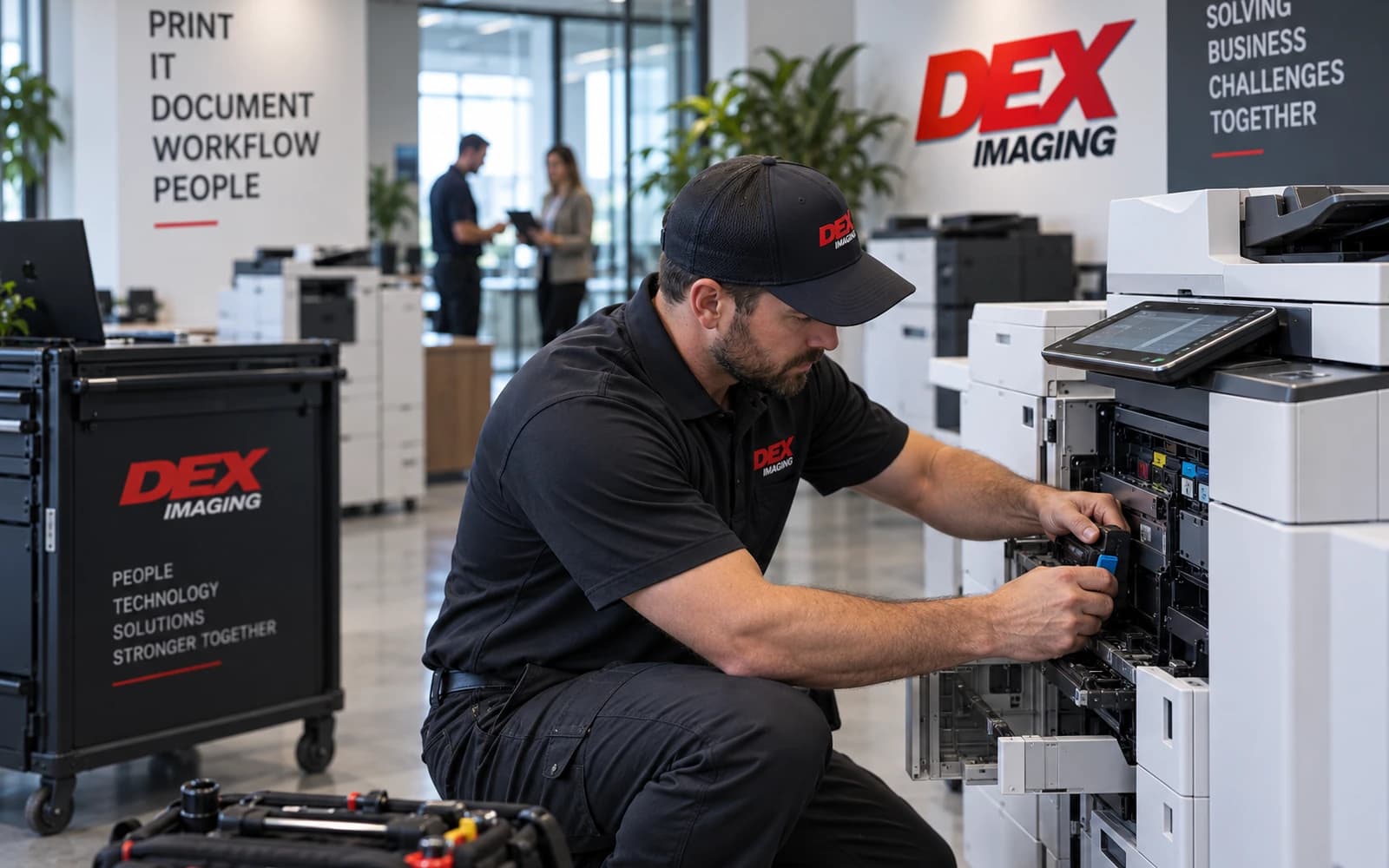
Repair an office copier or printer when the problem is a normal wear part, the model still has manufacturer parts support, and your monthly volume sits inside its recommended range. Replace it when parts are reaching end-of-life, the same faults keep returning after repairs, or you are consistently printing more than it was built for. If the machine is under a service agreement, the repair may already be covered, so the real question is whether the copier still fits the work.
Is it worth getting a printer or copier repaired?
Weigh five signals. One rarely decides it on its own; when two or three point the same way, you have your answer.
| Signal | Lean toward repair | Lean toward replace |
|---|---|---|
| Parts support | Model is current or well within its parts support period | Model is at or near parts end-of-life |
| Monthly volume | Inside the recommended monthly volume | Consistently above it |
| Fault pattern | First failure of a known wear part | The same fault returns after repairs |
| Cost | Covered by a service agreement, or small next to a replacement payment | Approaches several months of a replacement payment |
| Fit | Features and security still meet your needs | Missing features you now need, such as drive encryption |
Check your page volume against the manufacturer's ratings
Manufacturers publish two volume numbers, and they mean different things. The recommended monthly print volume is the range a machine is designed to run month in, month out. One manufacturer's specification describes it as the range "to achieve the best possible performance and printer life" and warns that consistently printing above it may affect print quality or the life of the machine. The maximum monthly duty cycle is a ceiling for comparing durability between models, not a workload target. On one of that manufacturer's business laser printers, the duty cycle is up to 125,000 pages a month while the recommended volume is up to 8,000.
Pull your actual monthly page count from the machine's meter or configuration page and compare it with the recommended volume, not the duty cycle. A copier that has run well above its recommended range is more likely to wear parts early, so weigh repairs on it more cautiously.
Know which parts wear out
Laser copiers and printers have parts designed to be replaced on a page-count schedule. Replacing them is maintenance, not a sign the machine is finished. HP describes the main ones: the fuser, which heats and fuses toner to the paper; the transfer roller, which moves toner to the page; and the pickup and separation rollers, which feed paper one sheet at a time. Office MFPs also have drum (photoconductor) units and transfer units, and Ricoh's operating instructions show a display message telling you when the fusing unit, drum units or transfer unit needs replacing.
| Symptom | Likely cause |
|---|---|
| Streaks, smudges or ghost images | Worn fuser or transfer roller |
| Faded or uneven print | Worn fuser or transfer roller |
| Wrinkled pages | Faulty fuser |
| Misfeeds, blank pages and jams | Worn pickup or separation rollers |
| Grinding, squeaking or rattling | Worn moving parts that need inspection |
| Replacement message on the display | A drum, transfer or fusing unit at the end of its rated life |
These parts are rated in pages. HP, for example, rates some LaserJet Enterprise maintenance kits at up to 225,000 pages. If a wear part fails near its rated life, replacing it is routine. If parts are failing well before it, look at volume, paper and environment, or at the machine itself.
Parts availability and end of support
Every model eventually reaches the point where the manufacturer stops assuring parts. After that, parts get harder to find and repairs take longer. In a 2026 public meeting agenda, one public agency replacing three office MFPs noted they had "reached parts End-of-Life status" in December 2020 and that limited parts availability created an increased risk of downtime and service interruptions. Before you approve a major repair on an older copier, ask your service provider in writing for the model's parts end-of-life date.
How much does printer or copier repair cost?
Office copier and MFP repair costs vary too much for an average to be useful. The cost depends on the part, the labor and, most of all, whether the machine is under a service agreement. Common service tiers look like this:
- Maintenance only: break-fix repairs plus routine and preventive maintenance, as Georgia's previous statewide copier contract defined it.
- Maintenance with supplies: the same plus toner, but not paper, in that same contract.
- All-inclusive plans: one dealer agreement published by a county government covers parts, labor and toner and excludes paper, staples and waste toner collectors.
Under a plan like these, a covered repair costs you downtime rather than an invoice, so read the exclusions. Without coverage, get a written quote that separates parts and labor, then weigh it against what the copier still has to give: its parts support, its condition and the monthly cost of replacing it. If the repair costs about as much as several months of payments on a new machine and the model is near parts end-of-life, the money usually goes further toward the replacement.
Leased copier? Read the contract first
If the copier is leased, the lease and the service agreement are often separate contracts, and lease payments continue whether or not the machine works. One standard bank lessor form says outright that a service provider's failure does not excuse your payments. That makes service response the thing to hold your provider to. Replacing a leased copier mid-term also means settling the remaining payments; see how copier leases work and our guide to getting out of a copier lease.
Protect the data when a copier leaves your office
A copier that goes out for repair or gets swapped for a new one takes its stored data with it. NIST Special Publication 800-88 Revision 2 says storage turned over to a maintenance provider may still be considered under your organization's control if it is securely transported and your contract with the provider specifically provides for the confidentiality of the information. For a machine being replaced, the FTC's Digital Copier Data Security guide recommends working with skilled technicians to overwrite or remove the drive rather than pulling it yourself, since removing it without replacing the firmware can leave the copier inoperable.
Warning signs it is time to replace
- The same fault returns soon after each repair.
- Parts are back-ordered, or the model is past parts end-of-life.
- Your monthly volume is consistently above the recommended range.
- The copier lacks security features you now need, such as encryption and overwriting.
- Staff route jobs to other machines to avoid it.
For more, see the warning signs it is time to replace your printer or copier.
How DEX helps
DEX Imaging's copier repair service is backed by the DEX Declaration, a guaranteed four-hour response to qualifying emergency service calls; your local office can confirm coverage for your address. When replacement is the better call, DEX carries six OEM lines (Konica Minolta, Kyocera, Canon, Ricoh, HP and Sharp) with flexible lease and purchase terms, and a DEXpert can size the new machine to your actual volume. Reach the team in South Florida or Texas and Louisiana, or request a quote.
Frequently asked questions
Is it worth getting a printer repaired?
Usually yes, when the fault is a wear part on a model that still has parts support and runs within its recommended monthly volume. If parts are at end-of-life or the same problem keeps coming back, replacement is usually the better spend.
What is the average cost to repair a printer?
A single average is not much use for office copiers and MFPs, because the cost depends on the part, the labor and your coverage. Under a service agreement, covered parts and labor are typically included, so check the exclusions before you pay a separate invoice.
How long should an office copier last?
There is no fixed number of years. It depends on how your monthly volume compares with the manufacturer's recommended range and how long the manufacturer supports parts for that model, so ask your provider for the parts end-of-life date.
Should I replace a leased copier that keeps breaking down?
First hold the service provider to the agreement, since lease payments continue either way. If it still cannot be kept running, plan the replacement around the remaining lease balance and the notice terms in your contract.